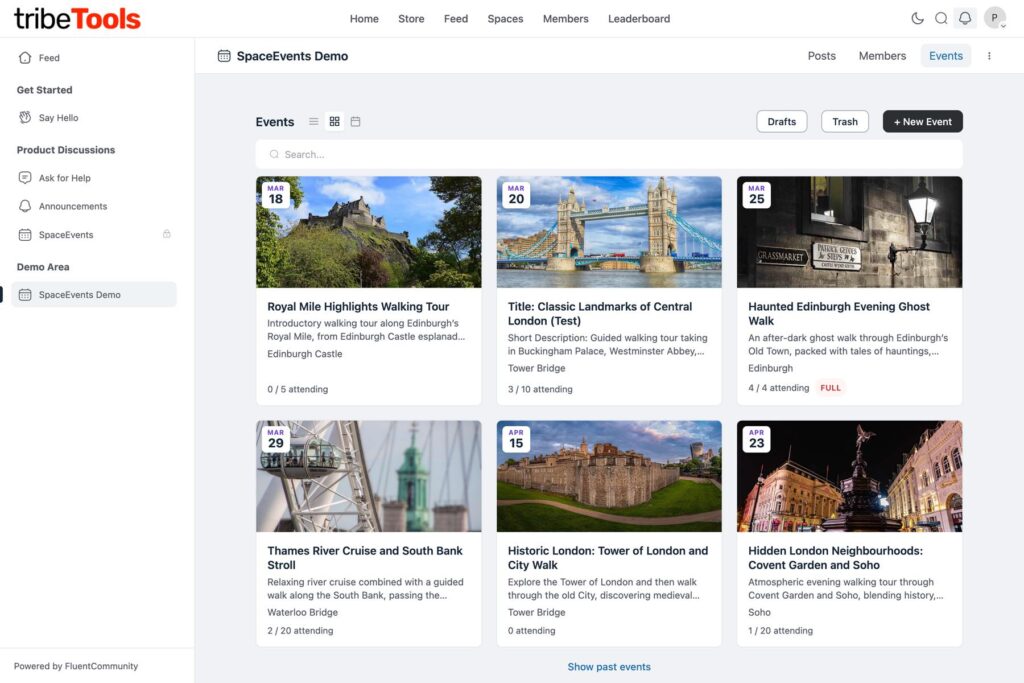
Add to Calendar is here! One of the most-requested feature has arrived: every event now has an Add to Calendar button, so your members can pop an event into Google Calendar, Outlook or Apple Calendar in one click. Booking confirmation emails include a calendar invite too — the calendar also keeps itself up to date: if the date or time changes, members’ calendars update automatically, and if an event is cancelled, the entry is removed. Event organisers also get a proper Cancel Event button that lets everyone know, tidies up the feed and remove the Post to Space feed if it was enabled.
Key features are:
- Add to Calendar. Every published event now has an Add to Calendar button — Google Calendar, Outlook, or download a universal .ics file (Apple Calendar and others). For recurring events, the links follow the date you have selected. Location and joining details are only included for people allowed to see them.
- Calendar invites in emails. Booking confirmation and waitlist promotion emails now attach a calendar invite and include Add to Calendar links via the new {add_to_calendar} merge tag. If a booking is cancelled — by the member, an organiser, an access change, or the event being cancelled — the email carries a cancellation file that removes the entry from supporting calendars automatically. Editing an event’s date or time sends attendees a refreshed invite that updates their calendar entry in place.
- Cancel Event in the portal. The Delete button on published events is now Cancel Event and does what organisers expect: attendees and the organiser are emailed (with the calendar cancellation attached), bell notifications are sent, and the event’s feed post is removed. The attendee list is kept as the organiser’s record of who was booked. Drafts still have a straightforward Delete.
See full change log here: https://tribetools.pro/space-events/#changelog