Table of Contents
The SpaceEvents dashboard is your central hub for managing events across your community. You can access it from within the FluentCommunity portal.
Dashboard Overview #
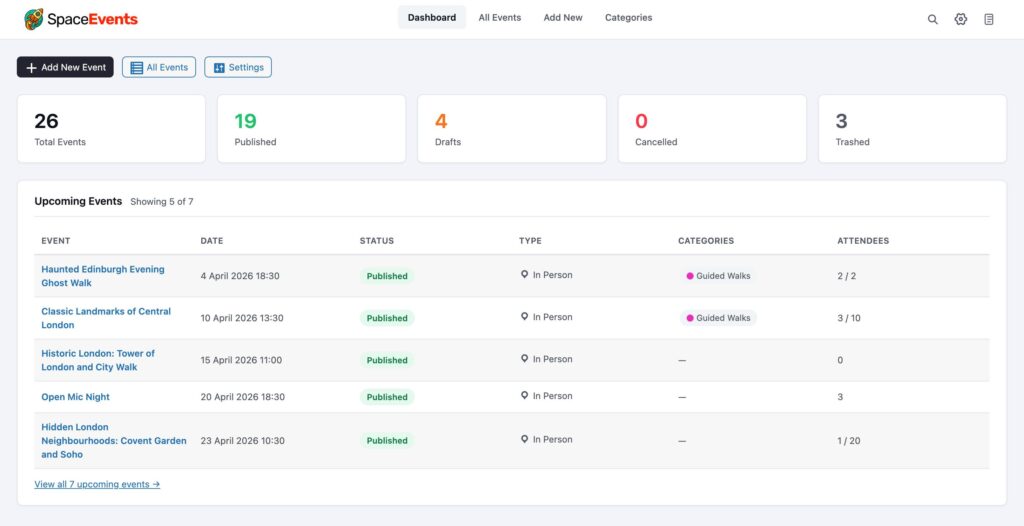
The main dashboard provides a quick overview of your events, including upcoming events, recent activity, and event statistics across all Spaces.
Manage Events #
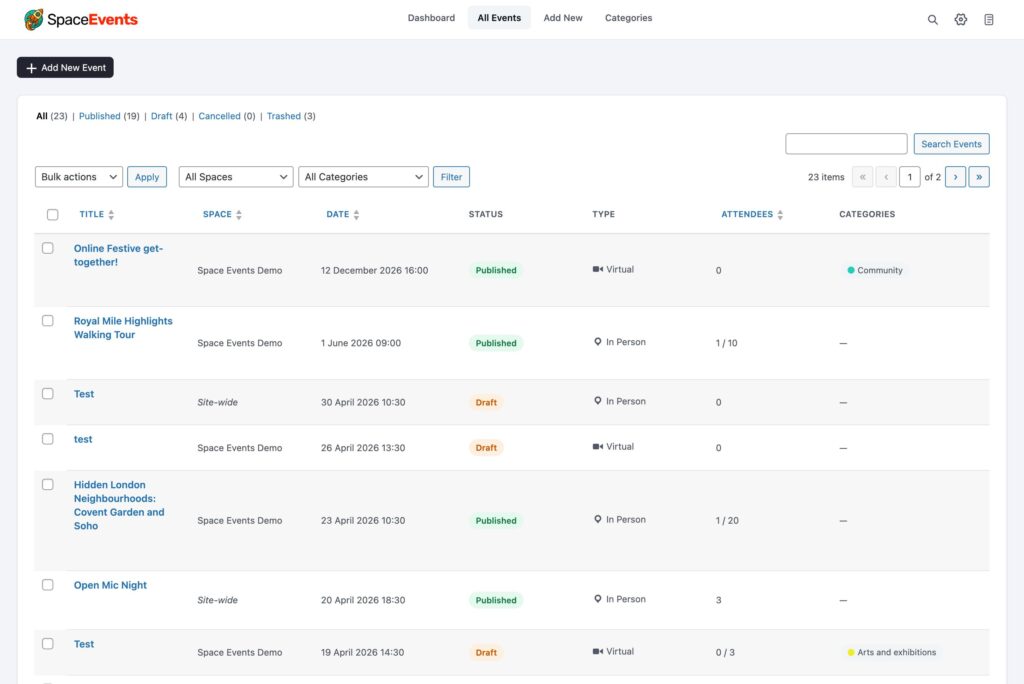
The Manage Events section lists all events across your community. You can filter by Space, status (upcoming, past, draft), and search by event title. From here you can edit, duplicate, or delete events.
Settings Tabs #
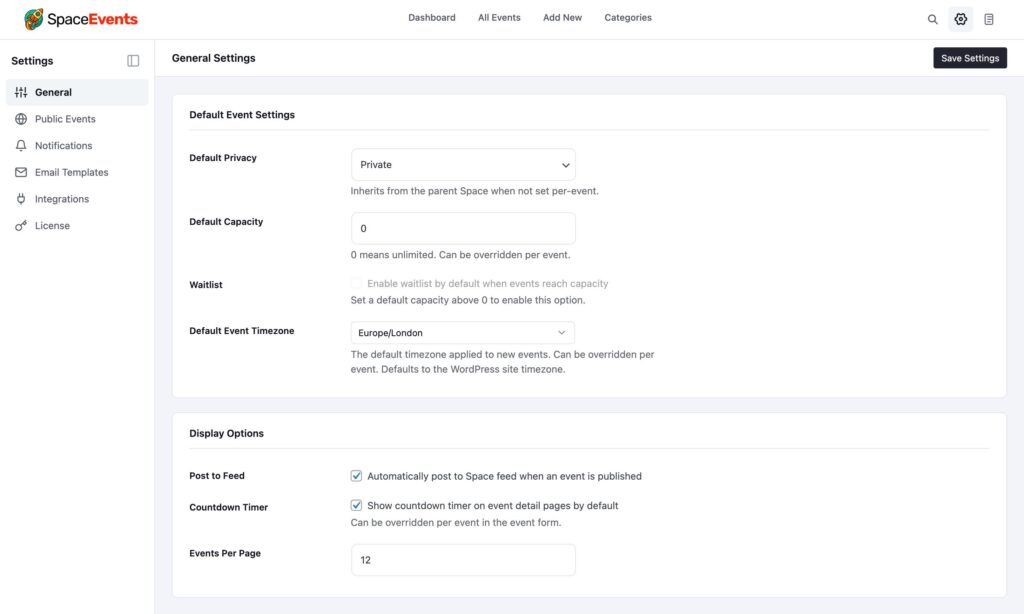
The Settings area is organised into the following tabs:
- General — Core plugin settings including date/time format, default timezone, and global event defaults.
- Public Events — Configure site-wide public events that exist outside of any specific Space. Enable or disable this feature and set who can create public events.
- Notifications — Control email and in-app notification settings for event reminders, RSVP confirmations, and event updates.
- Integrations — Connect SpaceEvents with third-party services and configure any available integration options.
- Licence — Activate, deactivate, or check the status of your SpaceEvents licence key.